Upload the statement, payments match themselves.
We find the right invoice by variable symbol and amount. You just check and confirm.
- plus CAMT.053, MT940, CSV
- GPC
- matching by symbol and amount
- VS
- payment orders in euro too
- SEPA
- receipts and expense documents
- Cash
How it works
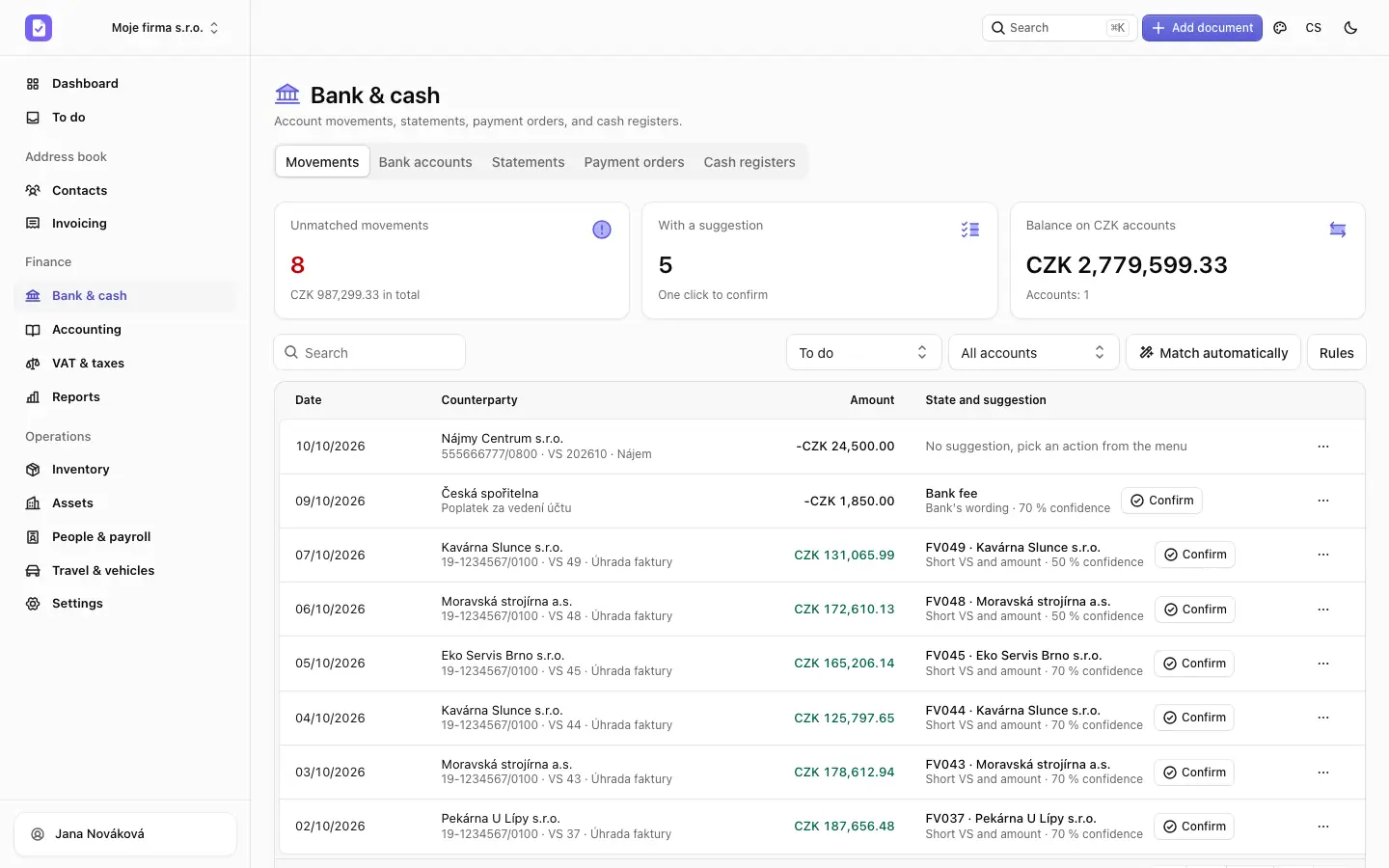
We match what fits and ask about the rest
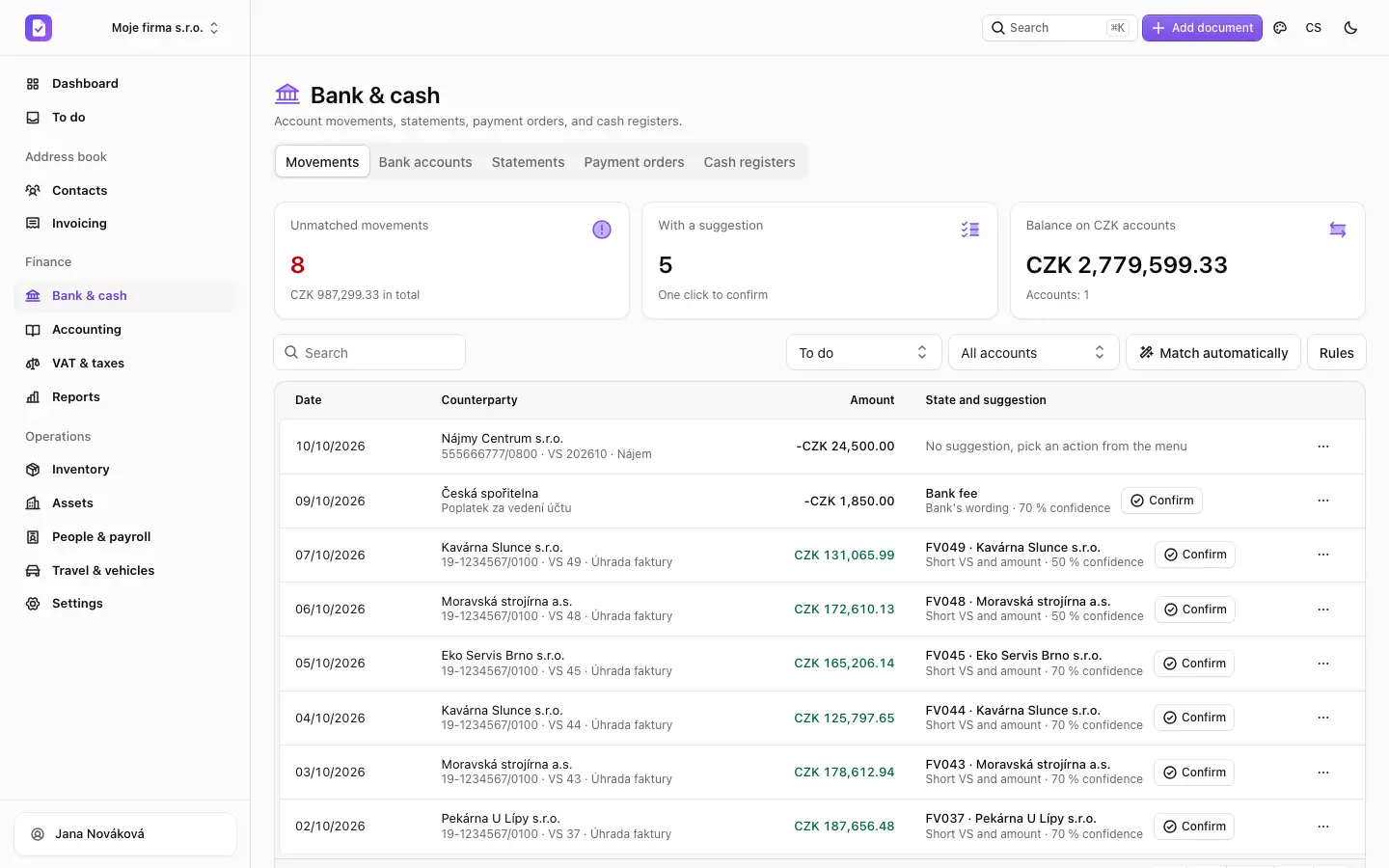
Each statement line gets a suggested document. Unclear payments wait for your decision.
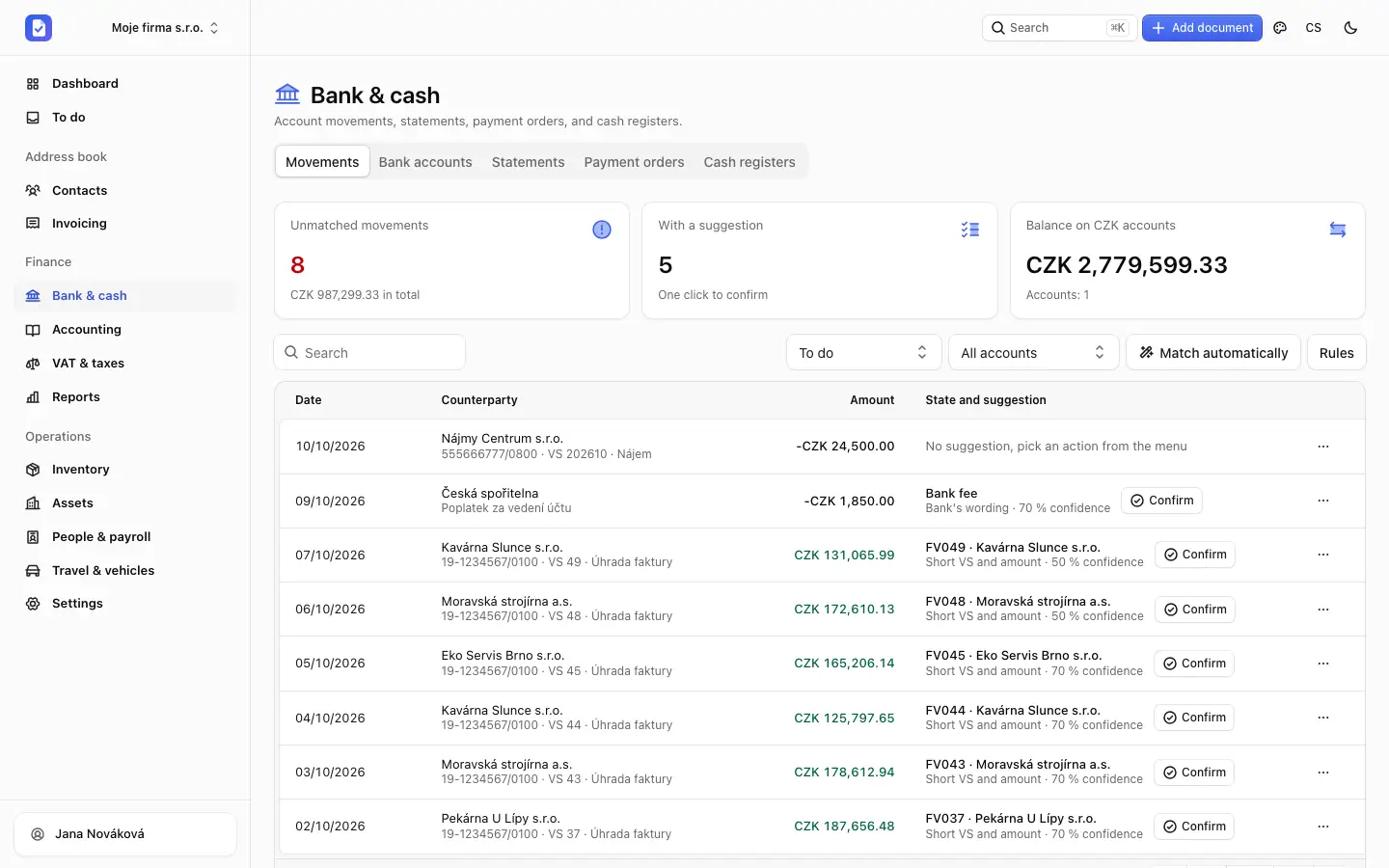
We match what fits and ask about the rest
Each statement line gets a suggested document. Unclear payments wait for your decision.
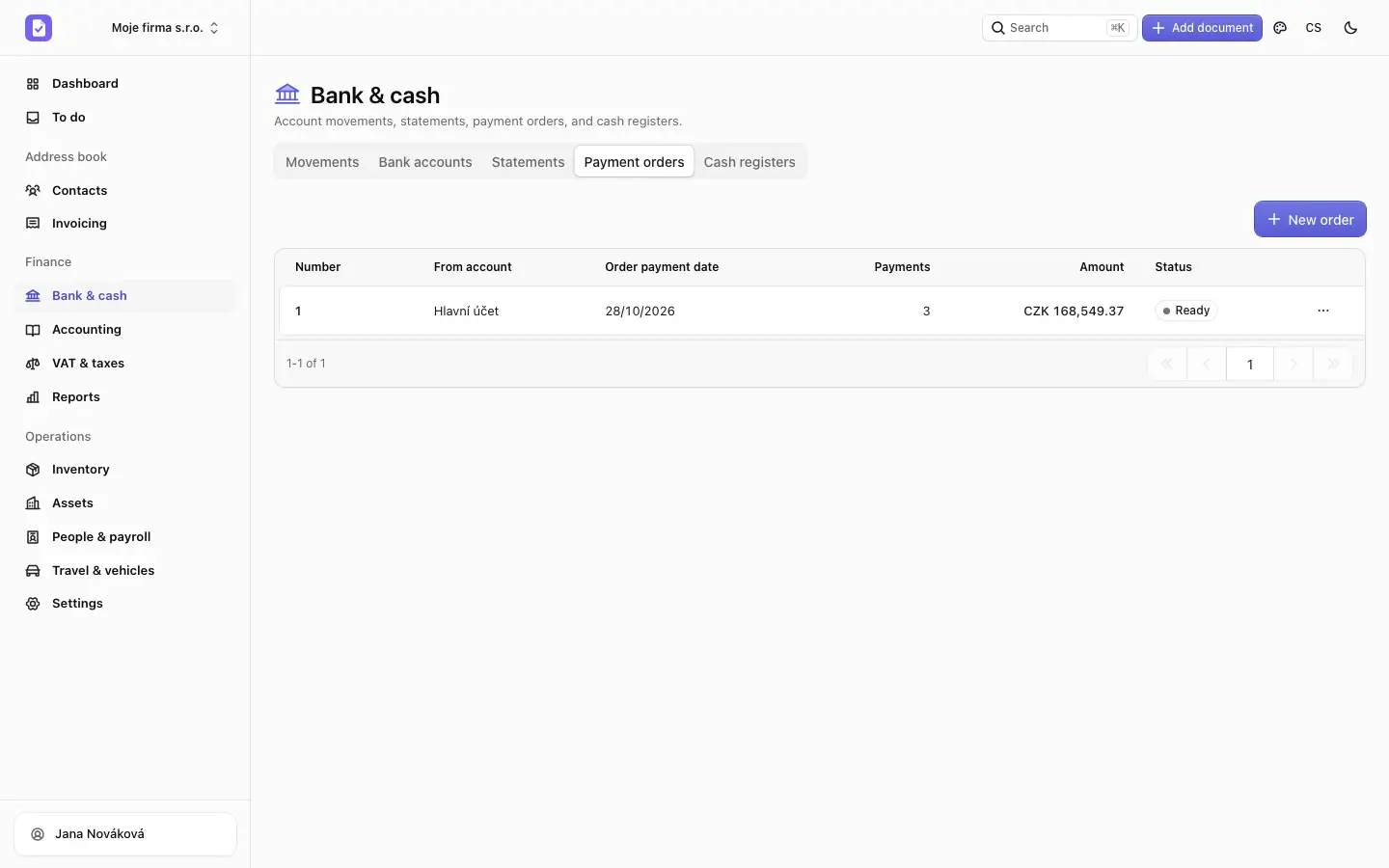
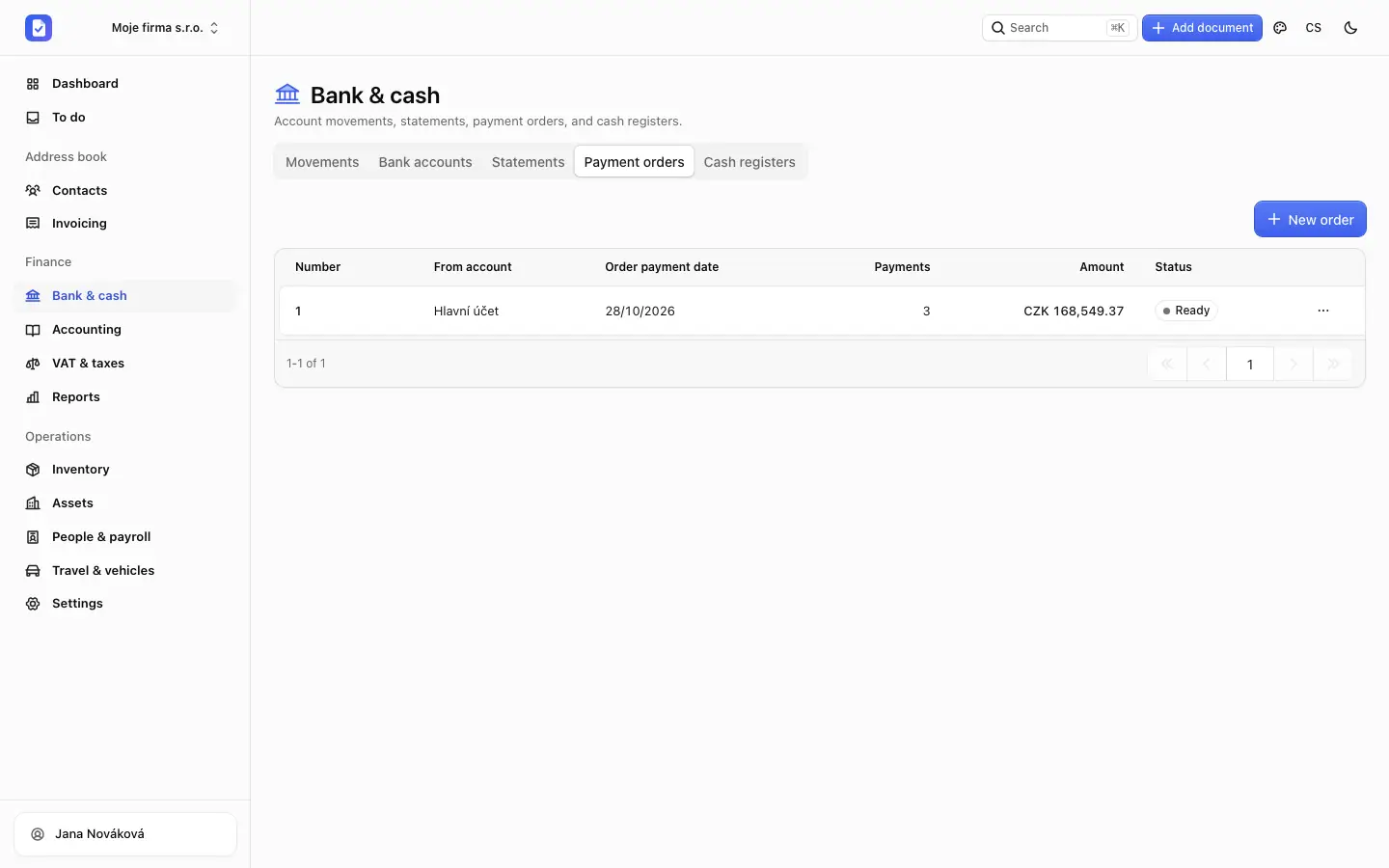
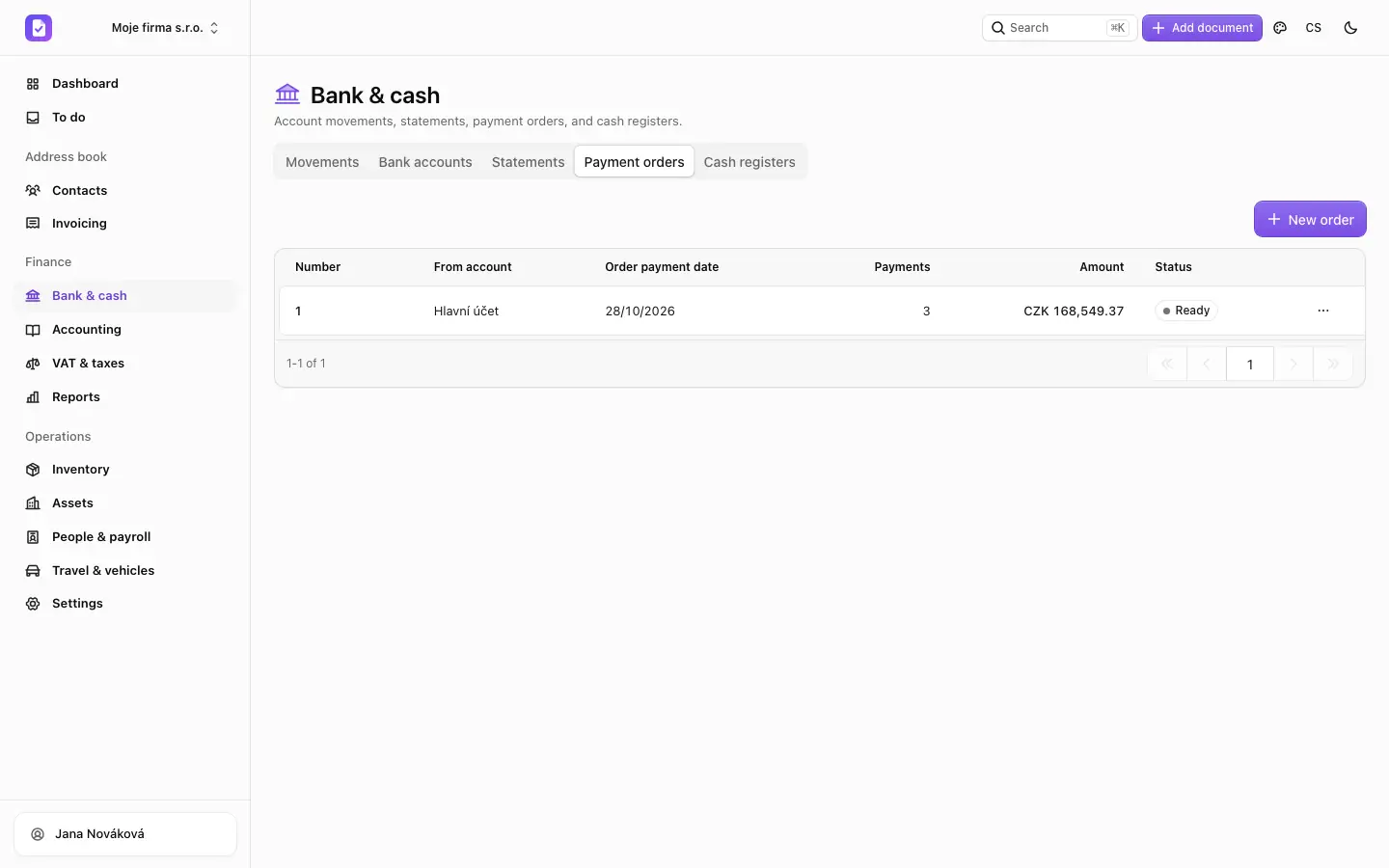
Payment orders from received invoices
Pick the invoices to pay and download a file for your internet banking.
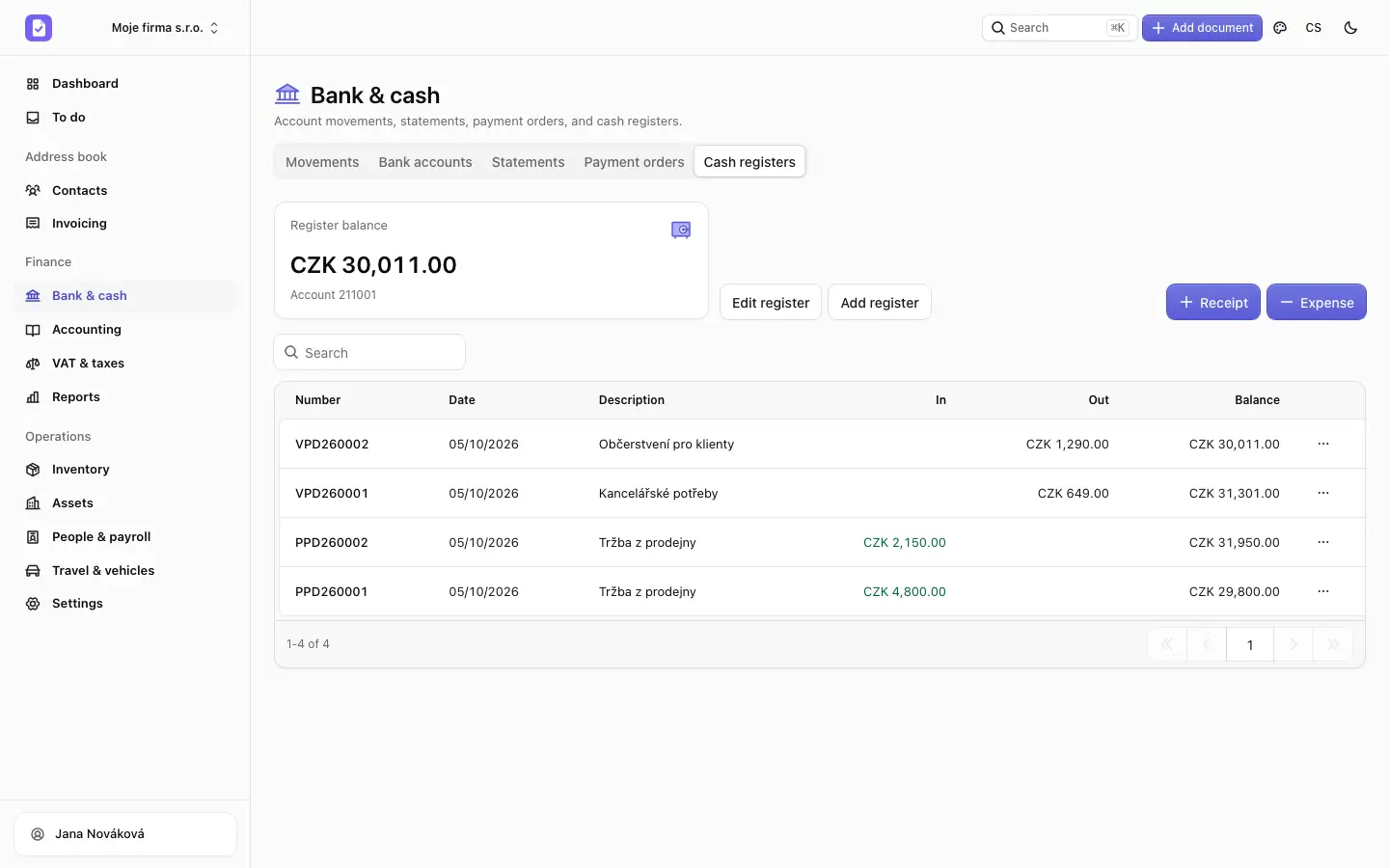
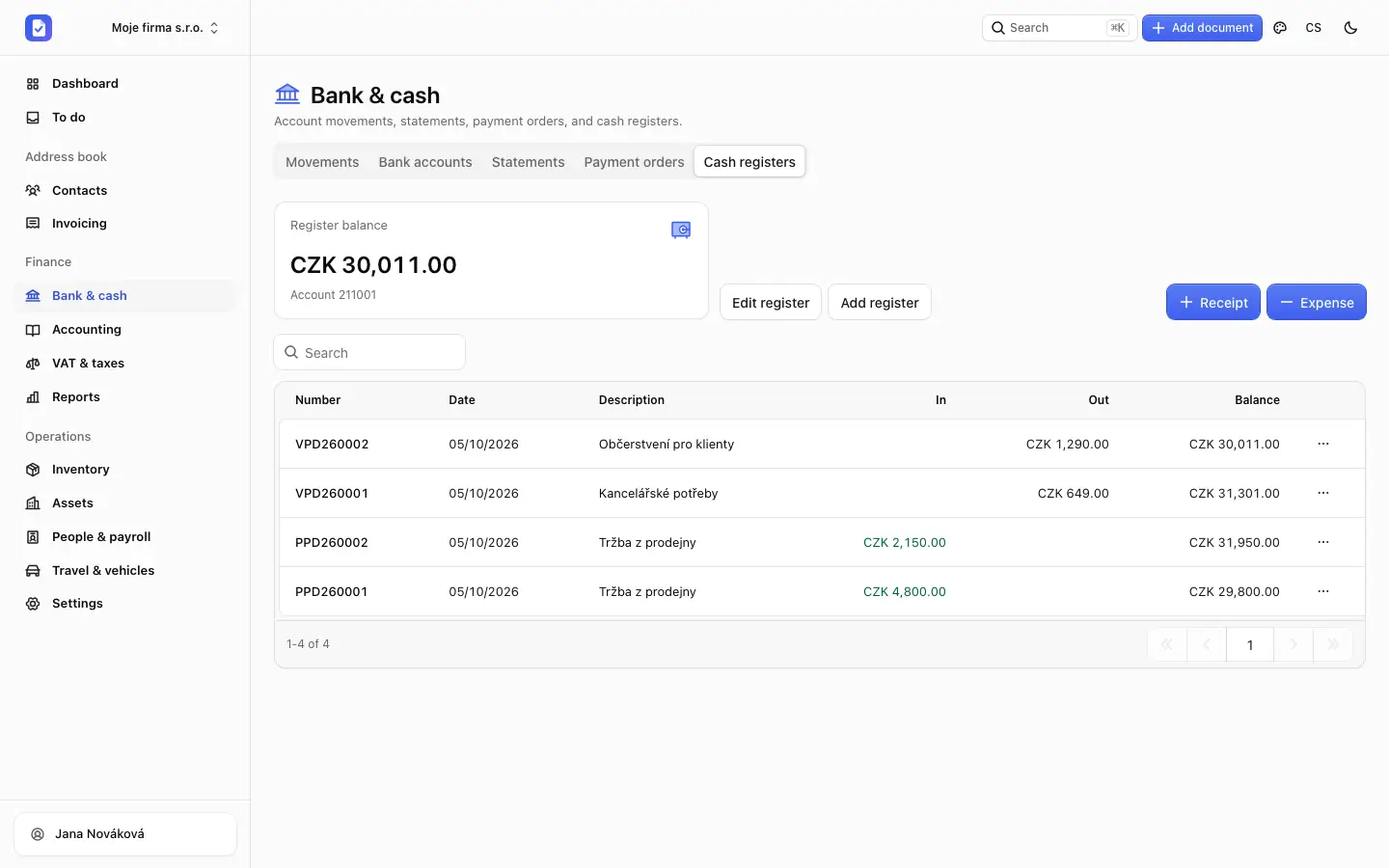
A cash book without paper
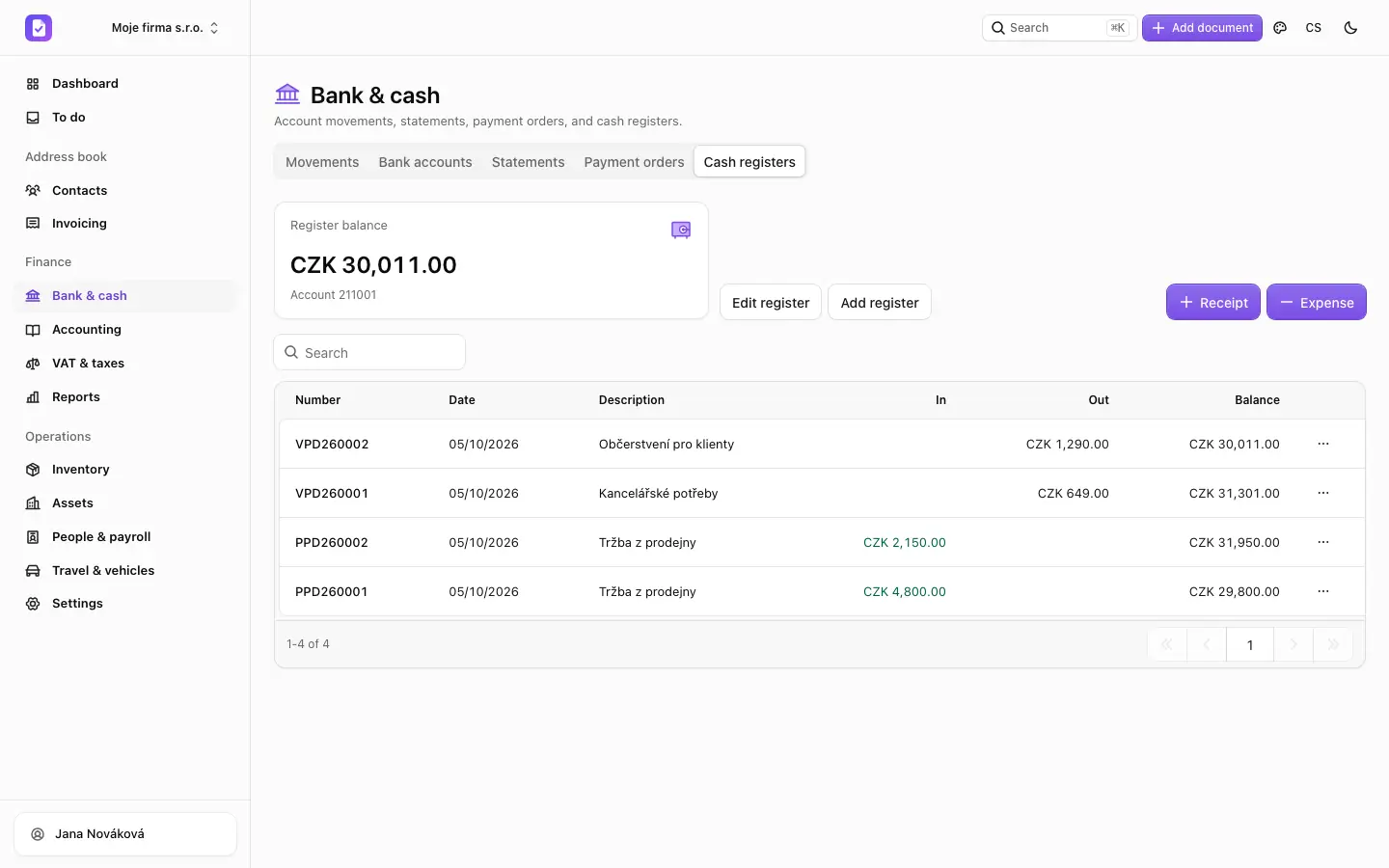
Cash receipts and expense documents with a running balance and a number series.
Screens show sample data of a made-up company.
And more
What else you get in this area
Multiple accounts
Keep every company account, including foreign currency ones.
Statement import
GPC/ABO, CAMT.053, MT940 and CSV. The same statement never posts twice.
Foreign currencies
Accounts in other currencies. An account in another currency can pay an invoice, an advance, or a credit note, and the difference goes to exchange gains and losses.
Card settlements
Pair the file from your provider with its payout and the fee posts itself. ComGate from its published format, the others with a preview to check.
Revenue recording
Preparing for EET 2.0 against the Financial Administration test environment. Nothing goes to the live system yet, so it does not meet the duty.
Rules for regular payments
Fees and regular payments can post by a posting template.
Balance overview
Accounts and cash desks in one overview.
Export for your bank
Payment order files to upload to your internet banking.
Frequently asked questions
Didn't find your answer? Email us
Do you connect directly to the bank?
Mostly through files: you download a statement from internet banking and upload it. Fio can also sync with your API token. We have tested the formats on sample files, not yet on files from every bank, so check your first import. Payment order files have not yet been accepted by a real bank in our tests. Sending an order directly through the Fio and Raiffeisenbank interfaces is built from the banks’ documentation, but it is off and has never run on a real account. Plan on using the file.
What if a payment doesn't fit any invoice?
It stays unmatched. You assign it by hand or post it with a posting template.
Can you handle a partial payment?
Yes. The invoice stays partially paid and the remaining amount stays visible in the overview.
Your first invoice is a few minutes away.
Create your company, fill in the customer from ARES by IČO and send an invoice with QR payment.
Free Starter plan · No credit card